
Free
$0 Everything jj in Jiji
- Every feature, no time limit
- The default light theme
- Updates included
Jiji puts jj's model on screen: your stacks on trunk, the diff of whatever you select, and an operation log that makes every rewrite undoable. It is built on jj-lib, so it works with the repo and config you already have, alongside the CLI.
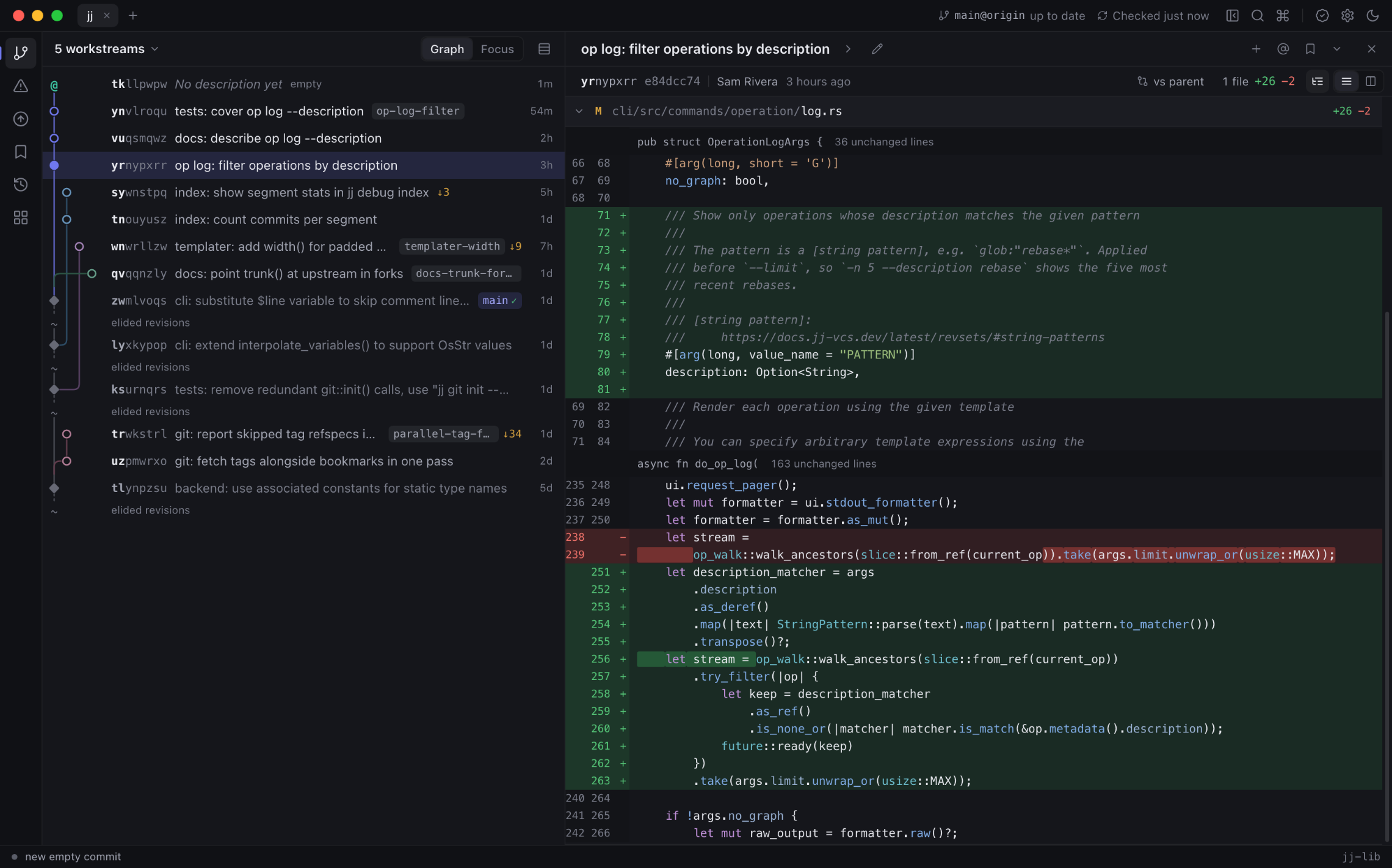
The graph and the diff stay side by side, and the rest of jj is a click or a keystroke away. A command palette (⌘K) reaches everything else.
A dense graph of your stacks on trunk, with how far each sits behind it. Switch the lens to your own work, your team's bookmarks, recent changes, or any revset.
jj log -r <revset> Unified or split, syntax-highlighted, with a file tree. Read a whole stack as one diff, scrub through a change's evolution, and annotate any file.
jj diff · jj evolog · jj file annotate Describe, new, edit, squash, split down to single lines, absorb, abandon and revert. Drag a change onto a new parent to rebase it.
jj squash -i · jj split · jj rebase Every action is one jj operation. Undo it from the status bar, back out a single operation, or restore the repository to any point in its history.
jj undo · jj op revert · jj op restore A conflicted file renders as its merge structure, each side against the base, instead of marker soup. Take a side, or open your merge tool.
jj resolve Create, move, rename, track and delete bookmarks. Remotes are fetched in the background, and nothing is pushed until you ask.
jj bookmark · jj git fetch · jj git push Publish pushes a stack to GitHub as one pull request per change, in landing order, and brings their bases and descriptions up to date each time you publish again. Follow checks and reviews in the app, land one round, or let auto-land merge the stack and rebase what is left while Jiji is open. Stacks made with jjpr are recognized as they are.
The same engine runs in your terminal as jiji. Every stack command takes
--dry-run and --json, so scripts and coding agents can
publish and land too. Read the CLI guide.
$ jiji status             # stack, PRs, landing readiness
$ jiji publish --dry-run  # preview pushes and PR updates
$ jiji publish --draft    # open new PRs as drafts
$ jiji ready              # mark them ready for review
$ jiji land               # land one round, reconcile
$ jiji watch              # auto-land until done
jj 0.45: your
trunk(), immutable_heads(), revset aliases and merge tools
apply as they do in the CLI. The jj binary itself is optional.
jj op log shows everything Jiji did. jj undo works on it.
jj git init --colocate does. Git keeps working alongside.
git fetch when you open a repository and then every 15 minutes
(adjustable, or off). Pushes happen only when you ask.
gh auth token. Tokens live in the macOS Keychain.
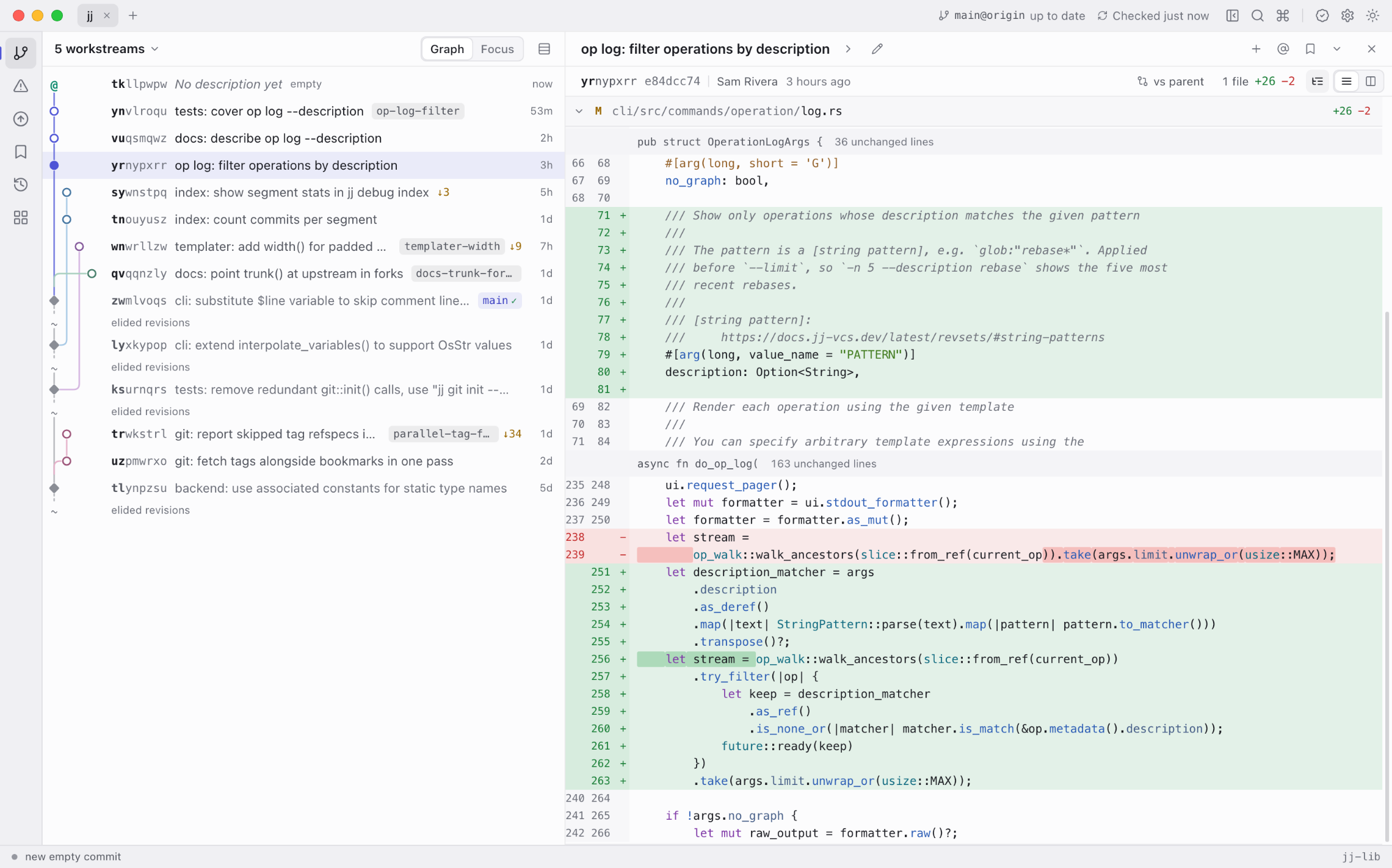
Every jj feature works without a license. A one-time license unlocks the color themes and pays for development; without one, Jiji uses its default light theme.
$0 Everything jj in Jiji
$15 One-time purchase
$20 One-time purchase
Try the themes on this page:
Something else? Open an issue or write to hello@jijiworkbench.com.
jj installed if you like a terminal; both work on the same repository at once. Fetch and push use Git, so git must be on your PATH.jj git init --colocate: a .jj folder appears next to .git, your branches become bookmarks, and Git keeps working.jj undo and jj op restore can take any of it back.